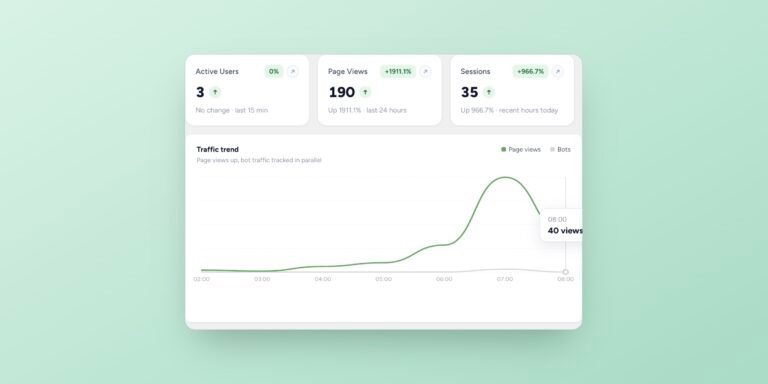
How to See Live Visitors on Your WordPress Website
Check who is on your WordPress site right now, what the live numbers mean, and how to read them without jumping to conclusions.
Read articleBlog
Practical guides on reading your analytics, tracking campaigns, fixing 404s and improving SEO, written for WordPress site owners in plain English.
Check who is on your WordPress site right now, what the live numbers mean, and how to read them without jumping to conclusions.
Read article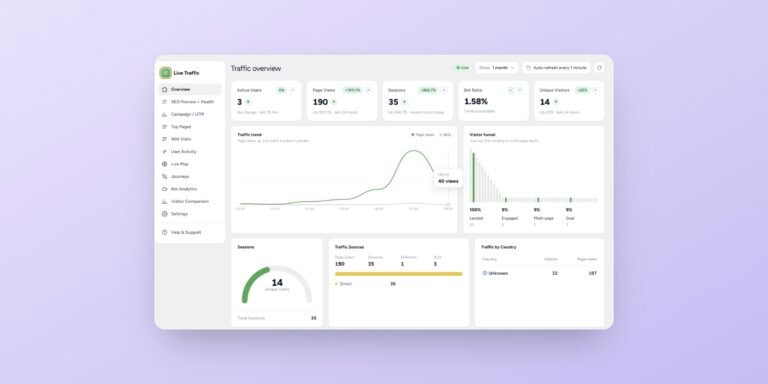
What a useful Google Analytics alternative for WordPress should include, what a WordPress-native tool offers, and where its limits are.
Read article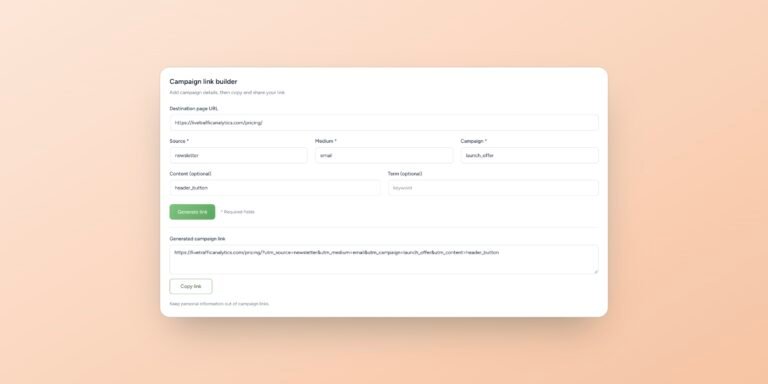
Build tagged links, read campaign sessions inside WordPress, and keep your UTM labels consistent with a copyable naming convention.
Read article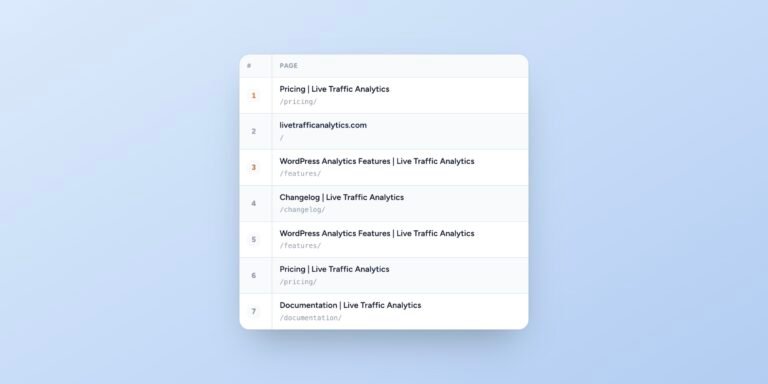
Find the pages that do most of the work on your WordPress site, and five practical ways to improve them once you know.
Read article
See which missing URLs real visitors actually reach on your WordPress site, how to prioritize them, and what to do about each one.
Read article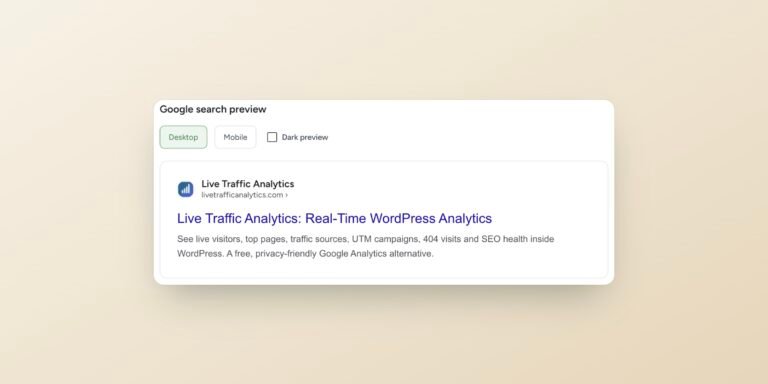
Learn what the free SEO Preview + Health checks reveal about your published WordPress pages, how to fix common issues, and where the tool's limits are.
Read articleBrowse by topic
Start with the basics: how to see live visitors, find your most popular pages and track UTM campaigns. Then go deeper with bot traffic, visitor journeys and SEO health checks. Every guide shows the real screen in Live Traffic Analytics, so you can follow along in your own wp-admin.
Free on WordPress.org
Install the free plugin and watch your first visit arrive in minutes.
Download free plugin